

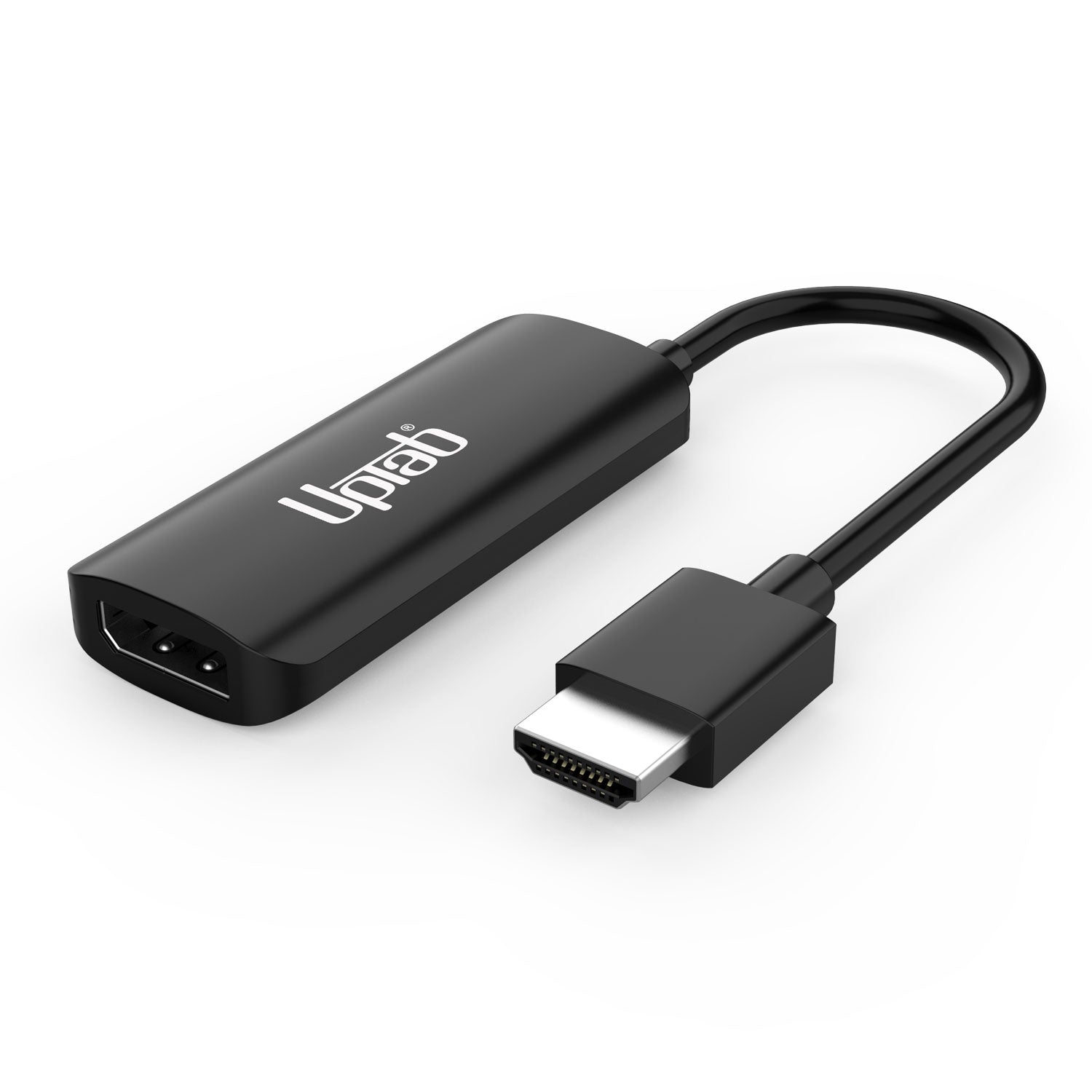
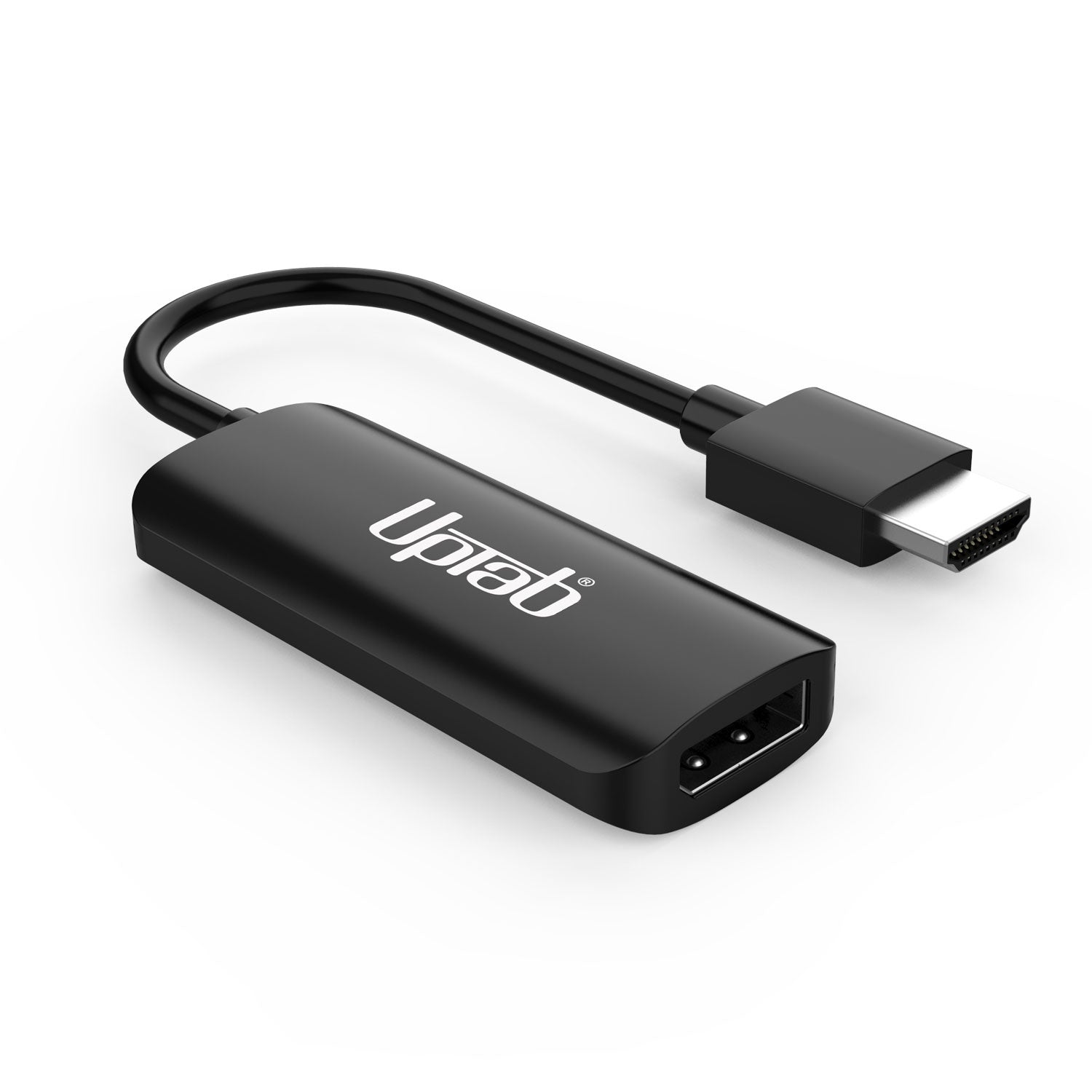
Aktiver HDMI 2.1-auf-DisplayPort 8K 60Hz-Adapter
Über diesen Artikel
Passt gut zu
VERSAND AM SELBEN TAG, Bestellung bis 11:00 Uhr (EST)
Kostenloser Versand für Bestellungen über 50 $
Technischer Support
30 Tage Rückgaberecht
1 Jahr Garantie
Produktdetails
Erleben Sie Klarheit und Geschwindigkeit auf einem neuen Niveau mit dem UPTab HDMI 2.1 zu DisplayPort 1.4 Aktivadapter—die perfekte Brücke zwischen Ihren neuesten HDMI-Geräte (PlayStation 5, Xbox Series X/S, Laptops, PCs) und DisplayPort-MonitoreGenießen Sie Ihre Vorsätze bis zu 8K bei 60 Hz, 4K bei 120 Hz, oder 1080p bei 240 Hz mit naturgetreuen Farben und extrem niedriger Latenz.
Entwickelt für ernsthafte Gamer und ProfisDieser Adapter liefert 7.1-Kanal-Surround-Audio, ein echtes Plug-and-Play-Setup und dreifach geschirmte Signalintegrität für unterbrechungsfreie Leistung. Mit Die bewährte Zuverlässigkeit und Verarbeitungsqualität von UPTab.So schöpfen Sie das volle Potenzial Ihres Monitors für Gaming, Videobearbeitung oder Streaming aus.
Leistung
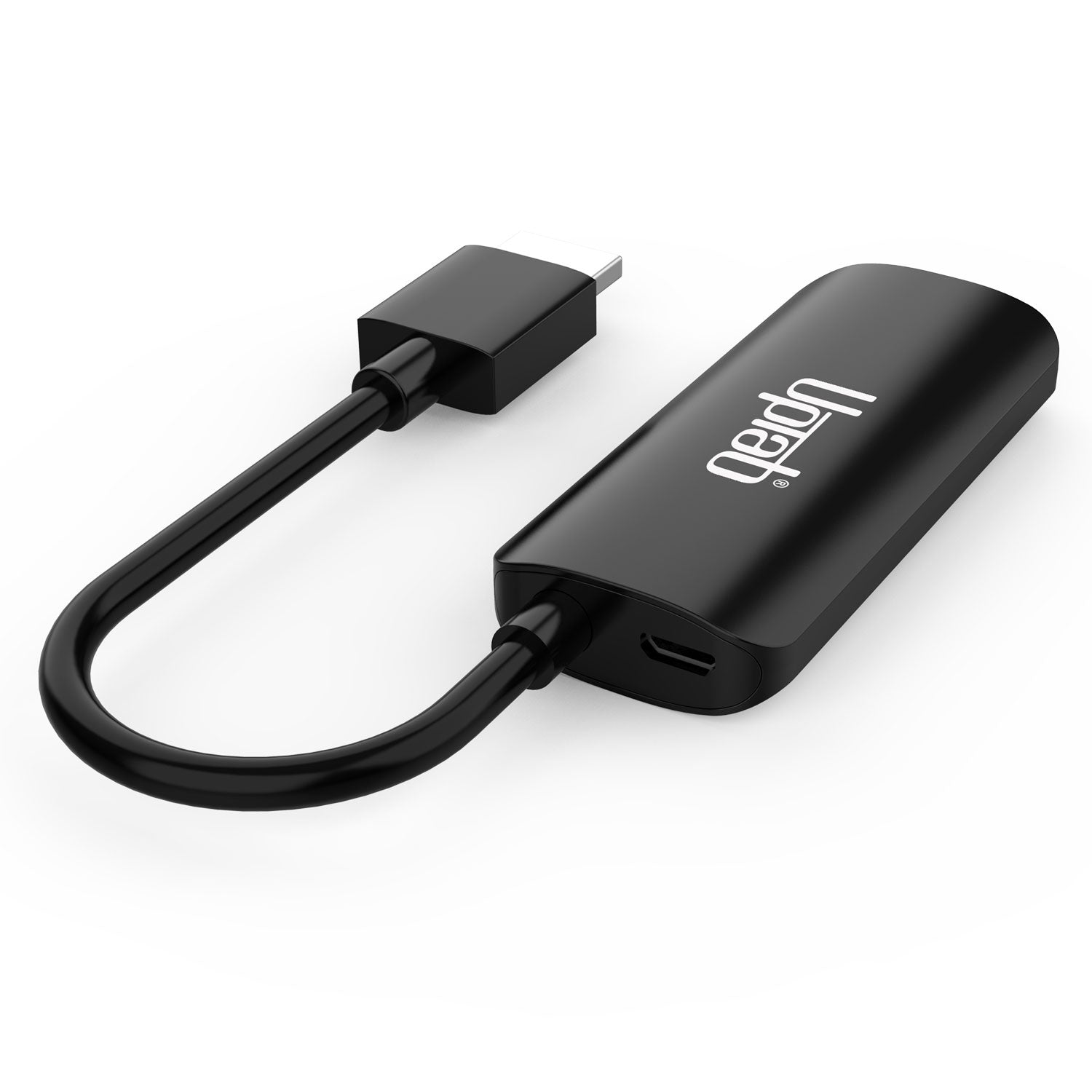
Um eine stabile Signalumwandlung zu gewährleisten, Schließen Sie das mitgelieferte Micro-USB-Kabel an. an einen USB-Anschluss Ihres Computers oder an einen USB-WandladegerätDies liefert die notwendige Energie für die Umwandlung der HDMI-Signal an DisplayPort mit optimaler Leistung.
Verbinden Sie Ihre Xbox Series X/S an Ihren Monitor mit unserem HDMI™ 2.1-auf-DisplayPort 1.4-Adapter

Verbinden Sie Ihre Sony PlayStation 5 über unseren HDMI™ 2.1 auf DisplayPort 1.4 mit Ihrem Monitor

Höhepunkte:
- Stecker & Spielen
- Keine Treiber- oder Softwareinstallation erforderlich
- Unterstützt Auflösungen bis zu Ultra HD von 8K bei 60 Hz
- Hochwertiges Audio (unterstützt 7.1-Kanal-Surround-Audio mit bis zu 192 kHz)
- Entspricht den HDCP-Standards
Technische Spezifikationen:
- Eingang: HDMI 2.1, Stecker.
- Ausgabe: DisplayPort 1.4 (weiblich) – Benötigt ein DisplayPort-Kabel (nicht im Lieferumfang enthalten)
- Unterstützt UHD-Auflösungen von 8K bei 60 Hz, 4K (3840 x 2160) bei 120 Hz, 1440p (2560 x 1440) bei 240 Hz, 1080p (1920 x 1080) bei 240 Hz.
- Hochwertiges Audio – Unterstützt 7.1-Kanal-Surround-Audio mit einer Abtastrate von bis zu 192 kHz.
- Entspricht den HDCP-Standards.
- Kabel: Dreifach geschirmt.
- Stromversorgung über USB.
** Hinweis: Dieser Adapter ist NICHT bidirektional. Er konvertiert nur ein HDMI-Ausgangssignal (Quellgerät) in DisplayPort (Monitor/Display).
Lieferumfang:
- 1x UPTab HDMI-zu-DisplayPort-Aktivadapter.
- 1x USB-auf-Micro-USB-Kabel, 1 m
Häufig gestellte Fragen (FAQ)
PlayStation 5 (PS5)
Wie kann ich 1080p bei 120 Hz erreichen?
- Stellen Sie sicher, dass Sie das neueste Sony PS5-Update installiert haben. Hier geht es zur Sony-Website.Die
- Stellen Sie sicher, dass Ihr Monitor 240 Hz bei 1080p unterstützt
- Stellen Sie sicher, dass Sie ein DP-zu-DP-Kabel verwenden, das die Auflösung DP 1.3 mindestens verarbeiten kann
- Stellen Sie sicher, dass der DP-Anschluss Ihres Monitors auf DP 1.4 oder mindestens DP 1.3 konfiguriert ist
- Raytracing deaktivieren
- Aktiviere den Leistungsmodus auf deiner PS5
- Navigieren Sie nach dem Start zu Ihrem Startbildschirm. PS5 und öffnen Sie „Einstellungen“ – Screenshot via Sony.
- Scrollen Sie nach unten und wählen Sie „Speicherdaten und Spiel-/App-Speicherung“. Einstellungen“ – ...
- Geben Sie „Spielvoreinstellungen“ ein und wählen Sie „Leistungsmodus oder Entschließung ModusWechseln Sie zu „Leistungsmodus„
- Agentenabfang
- Apex Legends
- Asphalt-Legenden vereinigt euch
- Asteroiden: Aufgeladen
- Atomherz
- Azure Striker Gunvolt 3
- Ben 10: Machttrip
- Berzerk: Aufgeladen
- Black Widow: Recharged
- BloodRayne Betrayal: Frische Bisse
- Borderlands 3
- Ausbruch: Aufgeladen
- Helle Erinnerung: Unendlich
- Call of Duty: Black Ops 7
- Call of Duty: Black Ops 6
- Call of Duty: Kalter Krieg der Black Ops
- Call of Duty: Modern Warfare 2
- Call of Duty: Modern Warfare 3
- Call of Duty: Vanguard
- Call of Duty: Kriegsgebiet
- Katzenquest 3
- Höhlen des Mars wieder aufgeladen
- Tausendfüßler: Aufgeladen
- Charons Treppe
- Zum Golf verflucht
- Gekrümmter Raum
- Cyber-Schatten
- Morgendämmerung der Monster
- Deep Rock Galactic
- Schicksal 2
- Zerstörerisch
- Devil May Cry 5: Sonderausgabe
- DIRT 5 PS5
- DOOM + DOOM 2
- DOOM Eternal
- EA Sports F1 25
- Vierzehn Tage
- Monster Boy und das verfluchte Königreich
- Die Nioh-Sammlung (Nioh und Nioh 2)
- Rainbow Six Siege
- Tony Hawk's Pro Skater
- WRC 9
Eine vollständige Liste aller PS5-Spiele, die 120 Hz unterstützen, finden Sie hier. HierDie
Wie behebe ich das Problem, dass DisplayPort auf HDMI kein Signal hat?- Schalten Sie den PC aus
- Trennen Sie alle Monitore
- Trennen Sie den Monitor, mit dem Sie Probleme haben, von der Stromquelle.
- Warten Sie etwa 1 Minute.
- Schließen Sie NUR den Monitor, mit dem Sie Probleme hatten, wieder an die Stromversorgung und den PC an.
- Schließen Sie den PC wieder an die Stromquelle an.
- Schalten Sie den PC ein
- Stellen Sie sicher, dass Ihr Adapter HDMI auf DisplayPort und NICHT DisplayPort auf HDMI ist. Viele Adapter sind nicht bidirektional.
- Schalten Sie Ihren PC aus
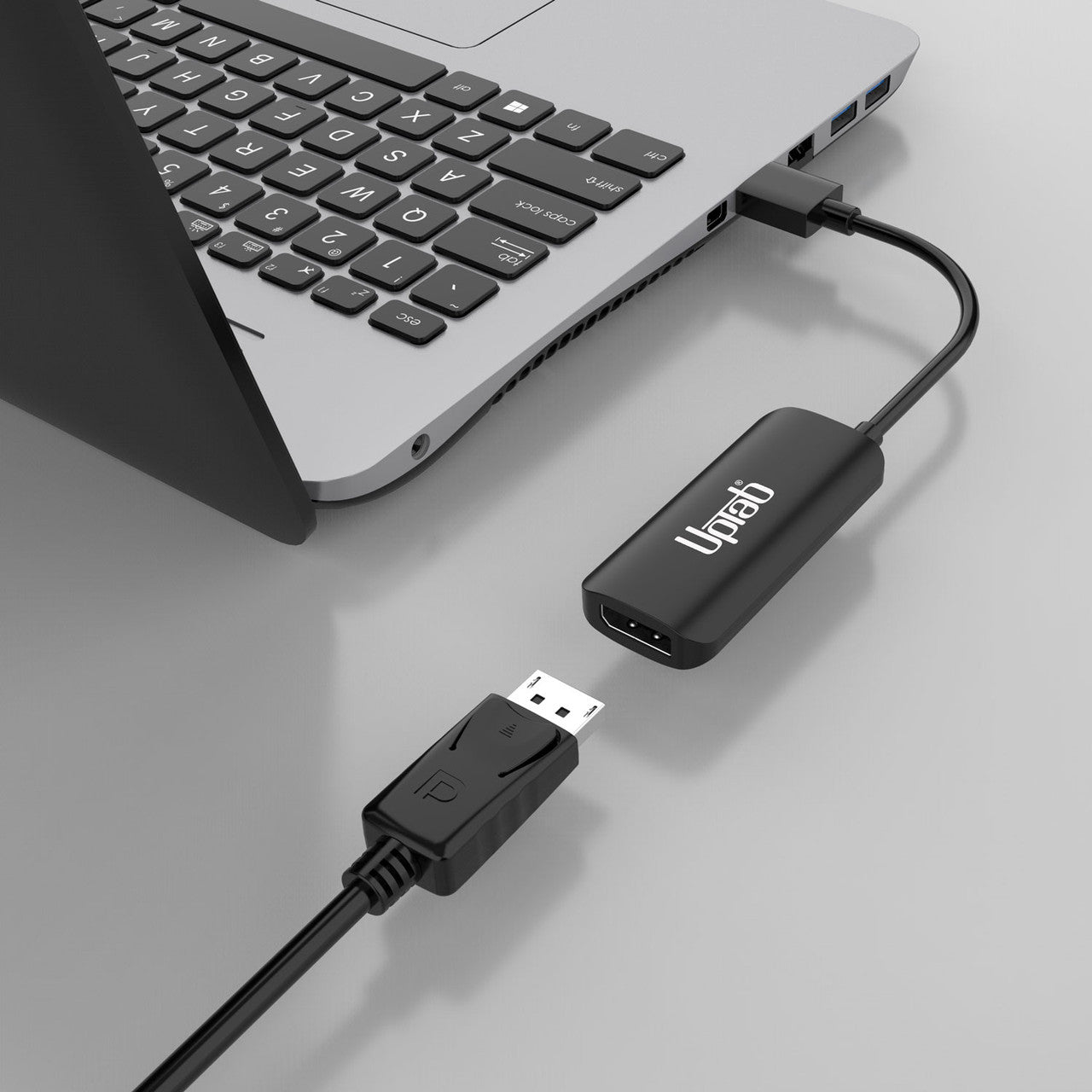
- Verbinden Sie Ihr HDMI mit dem HDMI-Anschluss Ihres PCs/Laptops
- Schließen Sie den USB-Anschluss an den USB-Anschluss Ihres Computers oder Ihrer Stromquelle an, um den Adapter mit Strom zu versorgen.
- Verbinden Sie den DisplayPort mit dem DisplayPort-Kabel Ihres Monitors (Kabel nicht im Lieferumfang enthalten).
- Schalten Sie Ihren PC ein
- HDMI und DisplayPort sind beides digitale Hochgeschwindigkeitsschnittstellen, unterscheiden sich jedoch in mehreren wichtigen Aspekten. HDMI wird hauptsächlich für Unterhaltungselektronikgeräte verwendet, während DisplayPort in erster Linie für Videoanschlüsse an Computern und Peripheriegeräten verwendet wird.
Verliert DisplayPort zu HDMI an Qualität?
- DP bietet eine höhere maximale Qualität, ein UltraHD-Fernseher wird jedoch nicht durch HDMI eingeschränkt, sodass kein Qualitätsverlust auftritt. Beide sind serielle digitale Standards und übertragen das Signal ohne Skalierung.
Wenn Sie Fragen haben, können Sie uns jederzeit gerne kontaktieren. Wir werden uns so schnell wie möglich bei Ihnen melden, werktags innerhalb von 24 Stunden.
-
Versandinformationen
Wir bearbeiten und versenden die meisten Bestellungen noch am selben Tag. Die Lieferzeiten variieren je nach der von Ihnen an der Kasse gewählten Versandart. Bitte stellen Sie sicher, dass Ihre Lieferadresse korrekt ist, um Verzögerungen zu vermeiden.
-
Kundendienst
Unser Team hilft Ihnen gerne weiter! Bei Fragen oder Unterstützung kontaktieren Sie uns per E-Mail oder über unser Kontaktformular. Wir melden uns schnellstmöglich bei Ihnen.
-
FAQs
Wann wird meine Bestellung versendet?
Die meisten Bestellungen werden noch am selben Tag bearbeitet und versendet. Die Lieferzeit hängt von der an der Kasse gewählten Versandoption ab.
Wie sind Ihre Rückgabebedingungen?
Eine Rücksendung der Artikel ist innerhalb von 30 Tagen in der Originalverpackung mit sämtlichem Zubehör möglich. -
Kontaktiere uns
Haben Sie Fragen oder benötigen Sie Hilfe? Wir sind für Sie da.
Der Kundendienst ist von Montag bis Freitag von 9:00 bis 17:00 Uhr (EST) erreichbar.
E-Mail: cs@uptab.com
Telefon: 1 (877) 333-1505
Oder nutzen Sie unser Kontaktformular– wir werden umgehend antworten.
Kostenloser Versand über $50
Versand am selben Tag für die meisten Bestellungen